How to Diagnose and Fix a Phone That Overheats: A Step-by-Step Guide for Repair Shops
7/18/2026· 3 min read

Phone overheating is a common complaint that can indicate anything from a software glitch to a failing battery. For repair shops, diagnosing the root cause quickly builds trust and reduces return visits. This guide walks you through a systematic approach to identify and resolve overheating issues.
Process overview
Step 1: Initial Customer Interview
Ask the customer specific questions to narrow down the cause:
- When does the phone get hot? (charging, gaming, video streaming, idle)
- Is there a specific app that triggers the heat?
- Has the phone been dropped or exposed to water recently?
- Is the original charger being used?
Note their answers in the repair ticket for reference.
Step 2: Visual and Physical Inspection
Check for obvious signs:
- Swollen battery (bulging screen or back cover)
- Bent frame or damaged charging port
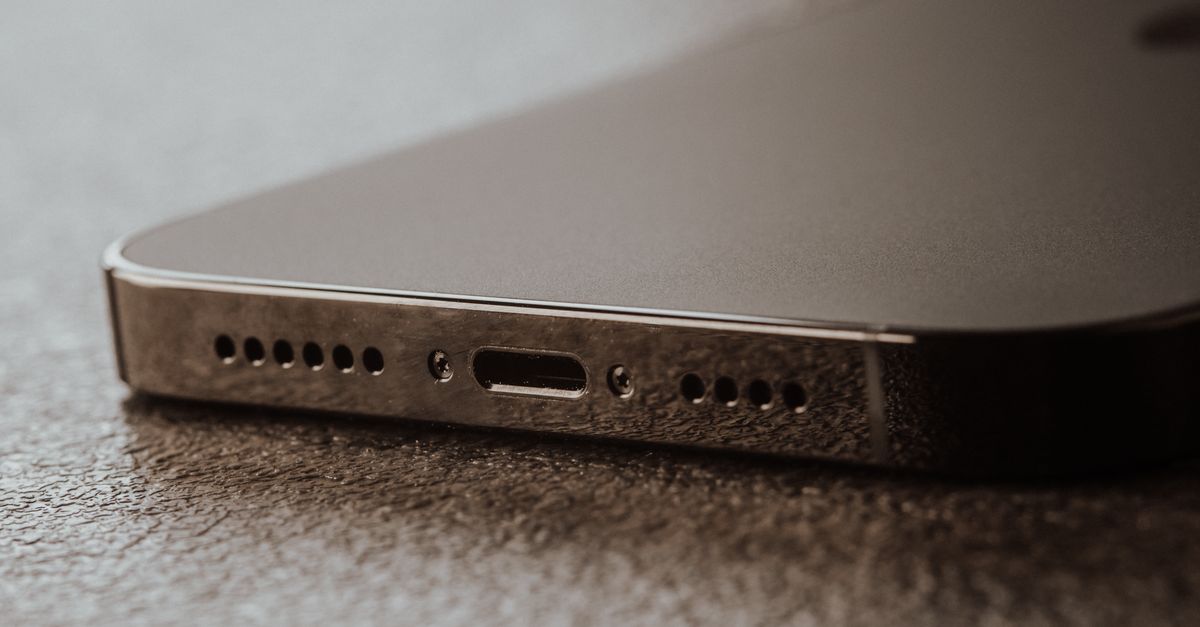
- Debris in the charging port or speaker grills
- Aftermarket or damaged charging cable
If the battery is swollen, stop testing and proceed to battery replacement immediately.
Step 3: Run Diagnostic Tests
Use a reliable diagnostic tool (like the one built into RagoxCell) to check:
- Battery health (cycle count, maximum capacity)
- CPU temperature under load
- Charging current and voltage
- Background app activity
Document all readings. A battery with capacity below 80% or high cycle count is a likely culprit.
Step 4: Software Troubleshooting
If hardware looks fine, move to software:
- Check for iOS/Android updates
- Review battery usage in settings for rogue apps
- Force restart the device
- Reset all settings (not a full factory reset yet)
Advise the customer to update apps and avoid using the phone while charging.
Step 5: Hardware Repair Options
Common fixes based on diagnosis:
- Battery replacement: Most common fix for overheating.
- Charging port repair: Faulty port can cause resistance and heat.
- Thermal paste reapplication: For advanced repairs on devices with heat spreaders.
- Logic board repair: Rare, but possible if a component is shorted.
Always quote the repair before proceeding.
Step 6: Post-Repair Testing
After repair, run a stress test:
- Play a video or game for 10 minutes
- Charge the phone to 100%
- Measure temperature with a thermal camera or infrared thermometer
Ensure the phone stays below 40°C (104°F) during normal use.
Preventing Future Overheating
Educate customers on best practices:
- Avoid using non-certified chargers
- Remove thick cases while charging
- Close unused apps
- Keep software updated
By following this systematic process, your shop can handle overheating complaints confidently and efficiently.
Photo: Tima Miroshnichenko / Pexels
Get repair-shop growth tips in your inbox
Practical guides on pricing, workflow and getting paid. No spam — unsubscribe anytime.