How to Handle a Phone That Overheats: Diagnosis and Repair Tips
7/6/2026· 2 min read

Phone overheating is a common issue that can damage internal components and lead to customer complaints. This guide helps repair shop owners diagnose the root cause and apply effective fixes.
Process overview
Common Causes of Phone Overheating
Overheating can stem from hardware or software problems. The most frequent culprits include:
- Faulty battery: Swollen or aging batteries generate excess heat.
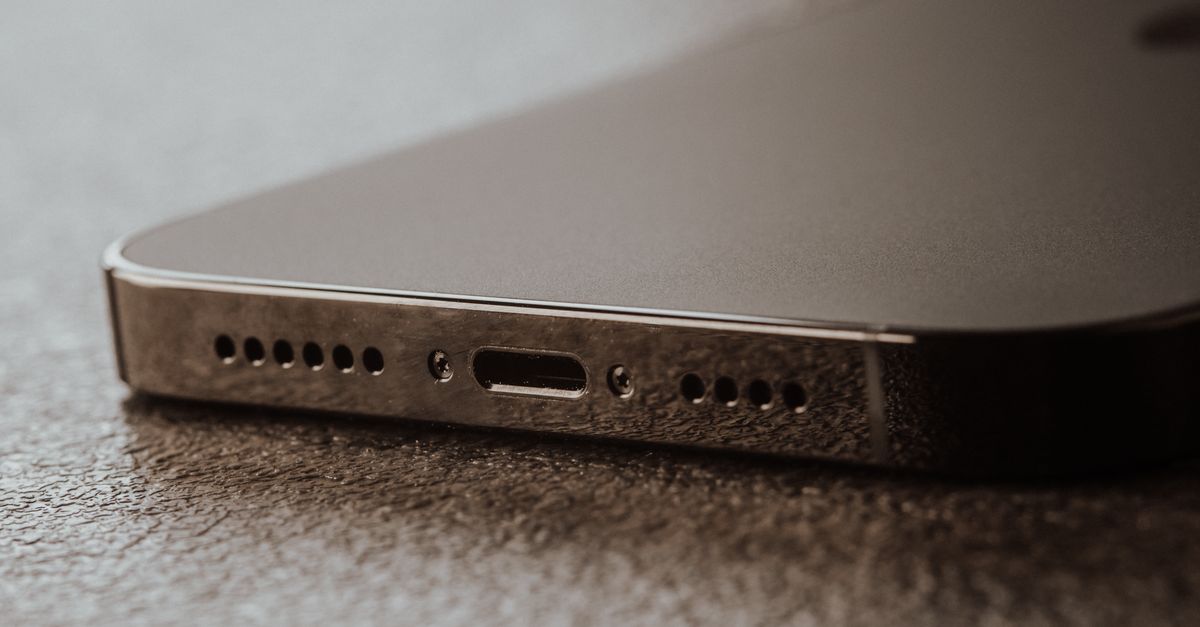
- Charging port issues: Debris or damage can cause resistance and heat.
- Processor overload: Heavy apps or malware can push the CPU.
- Poor ventilation: Cases or debris blocking heat dissipation.
- Environmental factors: Direct sunlight or hot car interiors.
Step-by-Step Diagnosis
- Ask the customer: When does it overheat? While charging, gaming, or idle?
- Visual inspection: Check for battery swelling, damaged charging port, or blocked vents.
- Thermal imaging: Use a thermal camera or infrared thermometer to locate hot spots.
- Software check: Run a diagnostic to identify high CPU usage or rogue apps.
- Battery test: Measure battery health and voltage under load.
Quick Fixes for Common Issues
Battery Replacement
If the battery is swollen or fails health tests, replace it with a quality OEM or certified third-party battery.
Charging Port Repair
Clean the port with isopropyl alcohol and a soft brush. If pins are bent, replace the charging flex cable.
Software Optimization
- Update the OS to the latest version.
- Clear cache and uninstall unused apps.
- Factory reset if malware is suspected (backup data first).
Thermal Paste Application
For advanced repairs on devices with heat sinks (e.g., some tablets), reapply thermal paste to improve heat transfer.
When to Recommend Replacement
If the device has multiple issues (e.g., cracked motherboard, repeated overheating after repairs), advise the customer that replacement may be more cost-effective.
Preventing Future Overheating
- Advise customers to avoid using the phone while charging.
- Recommend removing thick cases during heavy use.
- Suggest using original chargers and cables.
By following this guide, you can quickly diagnose and resolve overheating issues, improving customer satisfaction and reducing return rates.
Photo: Tima Miroshnichenko / Pexels
Get repair-shop growth tips in your inbox
Practical guides on pricing, workflow and getting paid. No spam — unsubscribe anytime.