How to Handle a Water-Damaged Phone: Step-by-Step Intake and Diagnosis for Repair Shops
10/5/2026· 4 min read
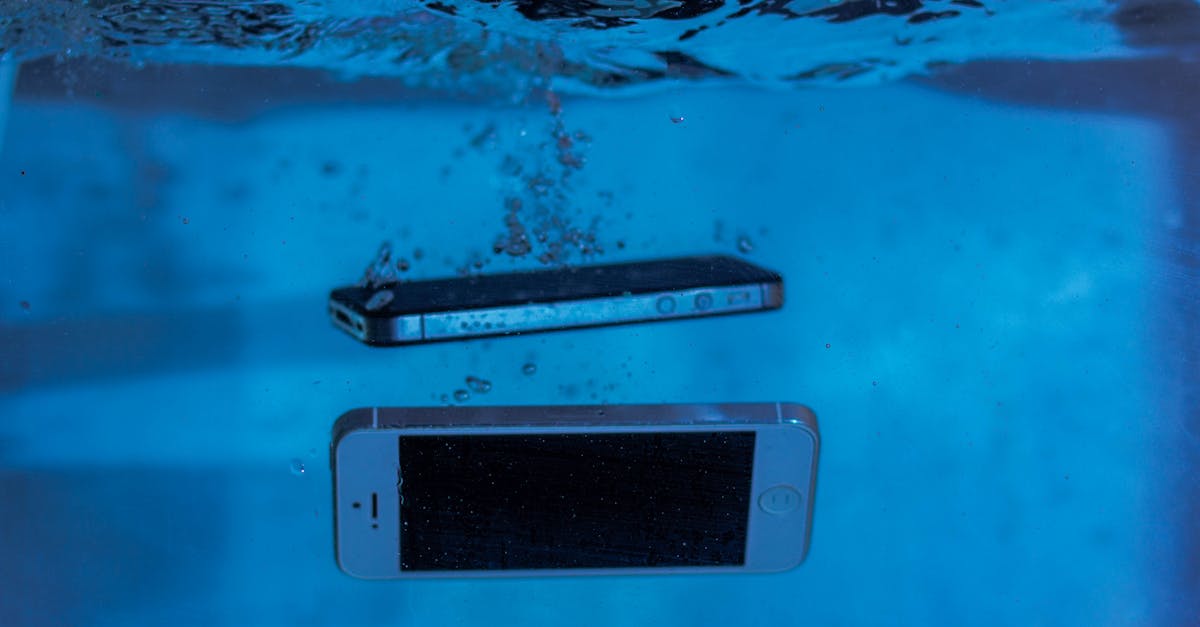
Water damage is one of the most common walk-in repairs — and one of the easiest to lose money on if your intake and diagnosis process is sloppy. This guide walks through a repeatable workflow so every liquid-damage ticket is documented, quoted accurately, and finished without surprises.
Process overview
Why water damage needs its own workflow
Unlike a cracked screen, liquid damage is unpredictable. Corrosion keeps spreading after the phone dries, so a device that powers on today may fail next week. That means two things for your shop: you must document condition at intake, and you must set expectations in writing before you take the device in.
Step 1: Intake — document everything before you touch it
- Photograph all six sides of the device, plus the charging port and any visible moisture indicators.
- Record what the customer says: what liquid, how long ago, and whether they tried to charge or power it on afterward.
- Note any existing damage (cracks, bent frame, prior repairs) so it is never blamed on your work.
- Get a signed authorization that includes a liquid-damage disclaimer and a diagnostic fee.
Step 2: Do not power it on
Resist the urge to press the power button. If there is still moisture inside, current accelerates corrosion and can short the board. Instead, keep the device off and move straight to disassembly.
Step 3: Disassemble and inspect
- Remove the SIM tray and any cards first.
- Open the device and disconnect the battery before anything else.
- Look for corrosion, white or green residue, and discoloration on connectors, shields, and the board.
- Check the moisture indicators — but treat them as one data point, not proof. They can trigger from humidity alone.
Step 4: Clean and assess
Ultrasonic cleaning with the right solution removes residue that visual inspection misses, especially under shields and around connectors. After cleaning and a full dry, reassemble enough to test.
Step 5: Test in a fixed order
Work through the device methodically so you catch every failed component:
- Power and charging
- Display and touch
- Cameras (front and rear)
- Speakers, microphones, and earpiece
- Buttons, biometrics, and vibration
- Cellular, Wi-Fi, Bluetooth, and GPS
Log every failure in the ticket. This becomes your quote and your proof if the customer later reports a symptom you never saw.
Step 6: Quote honestly and set expectations
Liquid damage is rarely a guaranteed fix. Quote the cleaning and diagnostic first, then quote repairs for confirmed failures. Tell the customer plainly that corrosion can cause new failures weeks later and that no shop can promise a permanent repair. Put that in the quote text, not just in conversation.
Step 7: Close the ticket cleanly
If the device is repaired, note which components were replaced and which were cleaned only. If it is not repairable, document why, return the device with the diagnostic findings, and collect the diagnostic fee per your posted policy.
Common mistakes that cost shops money
- Powering on a wet device to "see if it works."
- Skipping photos at intake, then getting blamed for pre-existing damage.
- Promising a full fix before cleaning and testing.
- Not charging a diagnostic fee, then eating hours of bench time.
- Losing track of which parts were replaced versus cleaned.
Every one of those problems is a process problem, not a technical one. A ticket system that forces intake photos, diagnostic notes, and a signed quote keeps the whole workflow consistent — even when a new technician handles the job.
Photo: Sergey Meshkov / Pexels
Get repair-shop growth tips in your inbox
Practical guides on pricing, workflow and getting paid. No spam — unsubscribe anytime.

