How to Diagnose a Phone with No Signal: Step-by-Step Guide for Repair Shops
7/9/2026· 2 min read

A phone with no signal can be frustrating for customers and tricky to diagnose. This guide walks repair shop owners through the most common causes and a systematic approach to identify the issue quickly.
Process overview
Check the Obvious First
Before diving into hardware, rule out simple problems:
- Ensure Airplane Mode is off.
- Verify the device isn't in a known dead zone.
- Check if the issue is network-wide by testing another phone on the same carrier.
- Restart the phone – it often resolves temporary software glitches.
Inspect SIM Card and Slot
The SIM card is a frequent culprit:
- Remove the SIM card and check for damage or corrosion.
- Clean the contacts with a soft, dry cloth.
- Reinsert the SIM securely.
- Test with a known working SIM from another device.
Run Carrier and Network Settings Check
- Go to Settings > Cellular > Carrier and ensure automatic selection is on.
- Reset network settings (Settings > General > Transfer or Reset > Reset > Reset Network Settings). Note: this erases saved Wi-Fi passwords.
- Update carrier settings if available.
Examine Antenna and Connections
If software steps fail, hardware may be at fault:
- Open the device and inspect antenna flex cables for looseness or damage.
- Check for liquid damage indicators – corrosion can disrupt signal.
- Use a multimeter to test antenna continuity if you have schematics.
Use Diagnostic Tools
Leverage built-in diagnostics or third-party tools:
- On iPhones, use the Field Test mode: dial 3001#12345# and check signal strength (e.g., -120 dBm indicates weak signal).
- On Android, use ##4636## for phone information.
- RagoxCell's 150+ tests include signal checks to streamline diagnosis.
Common Fixes
- SIM issue: Replace SIM card.
- Software glitch: Update iOS/Android or restore firmware.
- Antenna damage: Replace antenna flex cable.
- Baseband failure: This often requires motherboard repair or replacement – consider cost vs. device value.
When to Recommend Replacement
If the baseband chip is dead or the motherboard has severe damage, repair may not be economical. Advise the customer on replacement options and data recovery if possible.
By following this structured approach, you can quickly pinpoint the cause of no signal and provide an accurate quote, saving time and building trust with your customers.
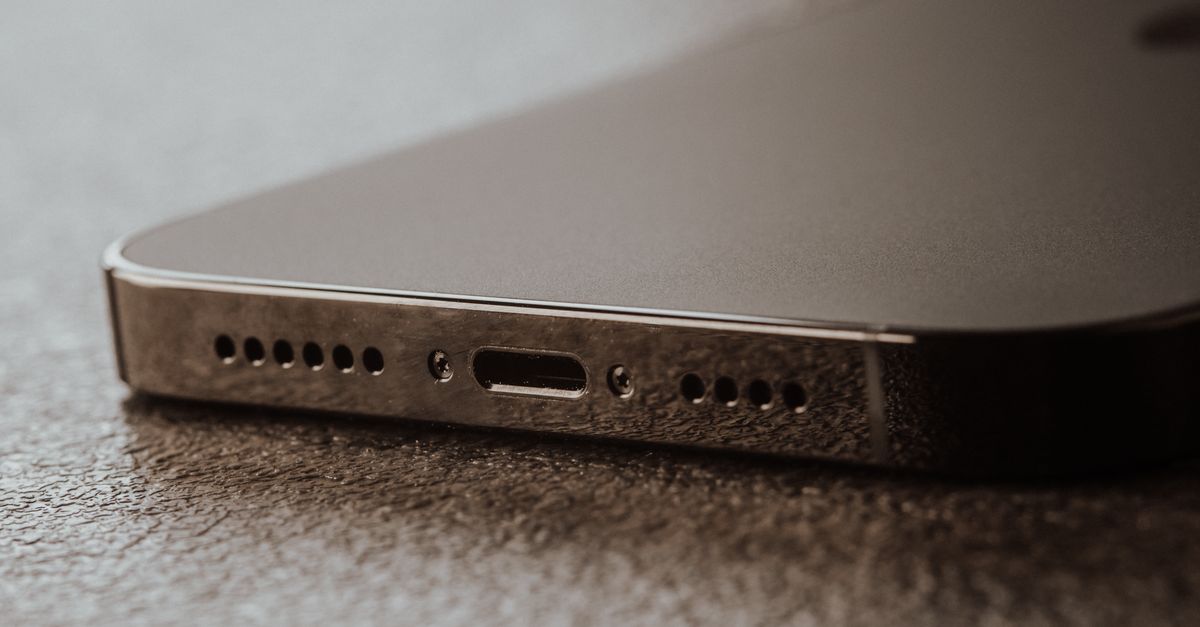
Photo: Alexander Dummer / Pexels
Get repair-shop growth tips in your inbox
Practical guides on pricing, workflow and getting paid. No spam — unsubscribe anytime.