How to Handle a Phone with a Broken Microphone: Step-by-Step Diagnosis and Repair Workflow for Shops
10/26/2026· 4 min read

A customer walks in saying "nobody can hear me on calls" — and that single complaint can come from a clogged mesh, a bad mic flex, a software permission, or a failing board. This workflow helps your techs isolate the real cause fast and quote the repair with confidence.
Process overview
Start by defining the symptom precisely
"My mic is broken" means different things. Before touching a screwdriver, pin down where the audio fails:
- Calls only — mic works in voice memos but not on calls (often a network, case, or screen-protector issue).
- Speakerphone only — the primary bottom mic works but the secondary noise-cancelling mic near the camera does not.
- All apps — voice memos, video recording, and calls all fail (points to hardware or permissions).
- Intermittent — works sometimes, muffled or cutting out (often debris, liquid residue, or a loose connector).
Write the exact symptom on the ticket. It determines which tests you run and protects you if the customer later disputes the repair.
Rule out the cheap causes first
Do these before opening the device — they solve a surprising share of "broken mic" tickets:
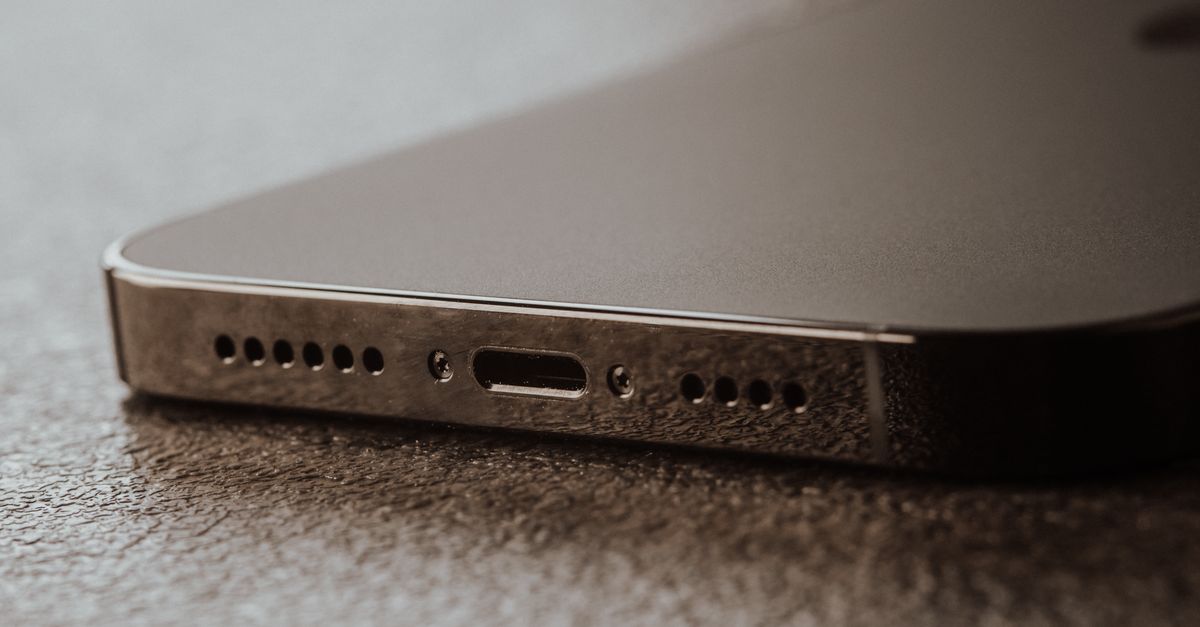
- Check the mic mesh. Pocket lint and makeup compact into the bottom mic hole and the earpiece grille. A soft brush and low-pressure air often restore full volume.
- Remove the case and screen protector. Some cases block the mic port; some protectors cover the top mic.
- Test in safe mode or with a voice memo app. This separates a third-party app problem from a system or hardware problem.
- Check permissions and privacy settings. A denied microphone permission in the calling app looks exactly like a dead mic.
- Test with a known-good headset and on speakerphone. This tells you which mic path is failing.
If the mic works in one path but not another, you have narrowed the fault to a specific component before opening the phone.
Open it and inspect the mic hardware
Once you have confirmed a hardware fault, follow your standard teardown and ESD precautions:
- Inspect the mic port and mesh under magnification for corrosion, lint, or adhesive residue.
- Check the mic flex and connectors — reseat them, look for bent pins, tears, or liquid damage indicators.
- Test the bottom mic and the top/secondary mic separately using the device's service menu or a diagnostic app.
- Look at the charging port board on models where the bottom mic is mounted there; a damaged port board takes the mic with it.
- Inspect the logic board for corrosion around the audio codec if the flex and connectors are clean.
Document what you find with a photo on the ticket. It justifies the quote and gives the customer something concrete to see.
Quote honestly and set expectations
Microphone repairs range from a five-minute cleaning to a board-level job. Quote by tier:
- Cleaning or mesh replacement — quick, low cost.
- Mic flex or charging port board replacement — moderate, parts-dependent.
- Logic board audio fault — higher cost, longer turnaround, and sometimes not economical.
Tell the customer which tier you found and why. If the fault is board-level, say so plainly rather than promising a cheap fix you cannot deliver.
Verify before pickup
Never hand back a phone after testing only one path. Run the full check:
- Voice memo recording and playback.
- A real outbound call on speakerphone and off.
- Video recording with audio.
- A second call after a restart to catch intermittent faults.
Log the results on the ticket, then close it out. A consistent diagnose-quote-repair-test flow is what keeps microphone tickets from turning into comebacks — and it is exactly the kind of structure an all-in-one repair shop system is built to enforce.
Photo: Tima Miroshnichenko / Pexels
Get repair-shop growth tips in your inbox
Practical guides on pricing, workflow and getting paid. No spam — unsubscribe anytime.