How to Handle a Phone That Keeps Restarting: Step-by-Step Diagnosis for Repair Shops
7/21/2026· 4 min read

A phone that randomly reboots is one of the hardest complaints to reproduce in the shop, because the fault may only appear under load, heat, or a specific app. This guide walks through a repeatable diagnostic sequence so your technicians can isolate the cause and quote the job with confidence.
Process overview
Start With the Customer Interview
Before opening the device, get the pattern. Ask:
- Does it restart on its own, or only when the phone is moved or bumped?
- Does it happen while charging, during calls, gaming, or in the camera app?
- Did it start after a drop, a liquid spill, or a software update?
- Is there a case, screen protector, or third-party charger in daily use?
- Has the phone been repaired elsewhere before?
Write the answers on the ticket. A restart that only happens under heavy load points to power delivery or thermal issues; a restart that happens when the phone is flexed points to a loose connector or board damage.
Rule Out Software First
Software causes a meaningful share of restart complaints, and it is the cheapest thing to test.
- Back up the customer's data before anything else, and note that you did.
- Check storage: a nearly full device can crash apps and trigger reboots.
- Boot into safe mode to see whether a third-party app is responsible.
- Review the battery and crash logs in the device settings for repeated kernel panics or watchdog resets.
- Update the OS only after the backup, and only with the customer's approval.
If the phone is stable in safe mode, the fault is likely an app. If it restarts in safe mode too, move to hardware.
Check Power Delivery
Unstable power is the most common hardware cause.
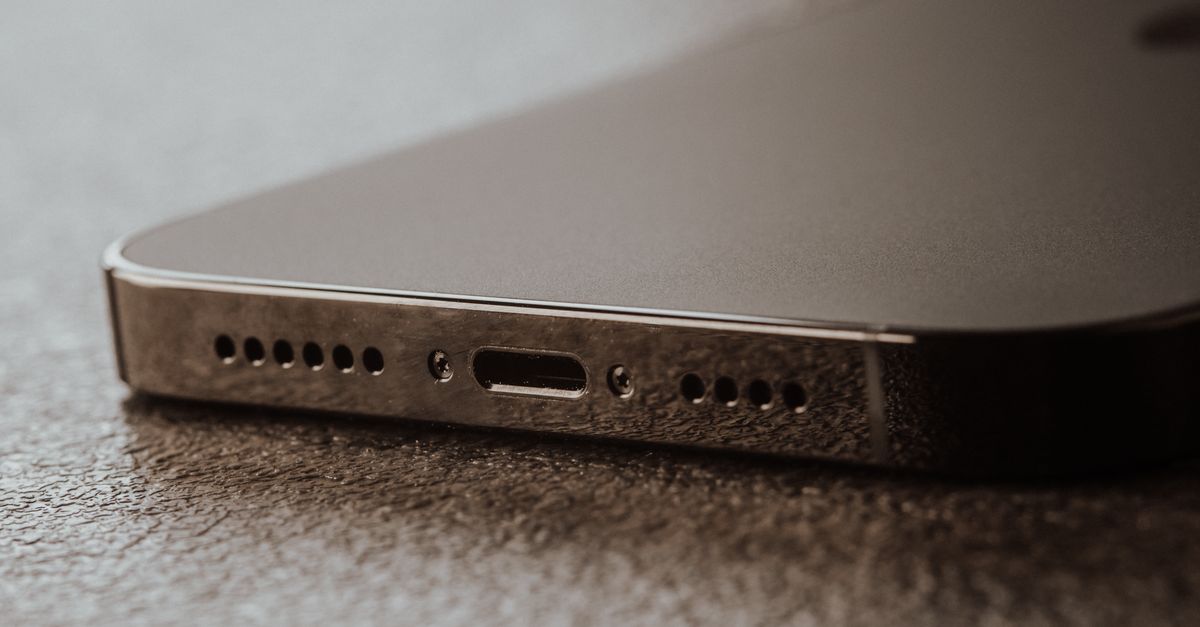
- Inspect the charging port for lint, corrosion, or bent pins.
- Test with a known-good cable and charger, then test wireless charging separately.
- Measure battery health and, where possible, check for voltage sag under load.
- Look for a swollen or previously replaced battery with poor adhesive or a damaged connector.
- Reseat the battery connector and inspect the board for corrosion or burnt components near the power IC.
A battery that reads healthy at idle but drops under load is a classic reboot culprit.
Inspect for Impact and Liquid Damage
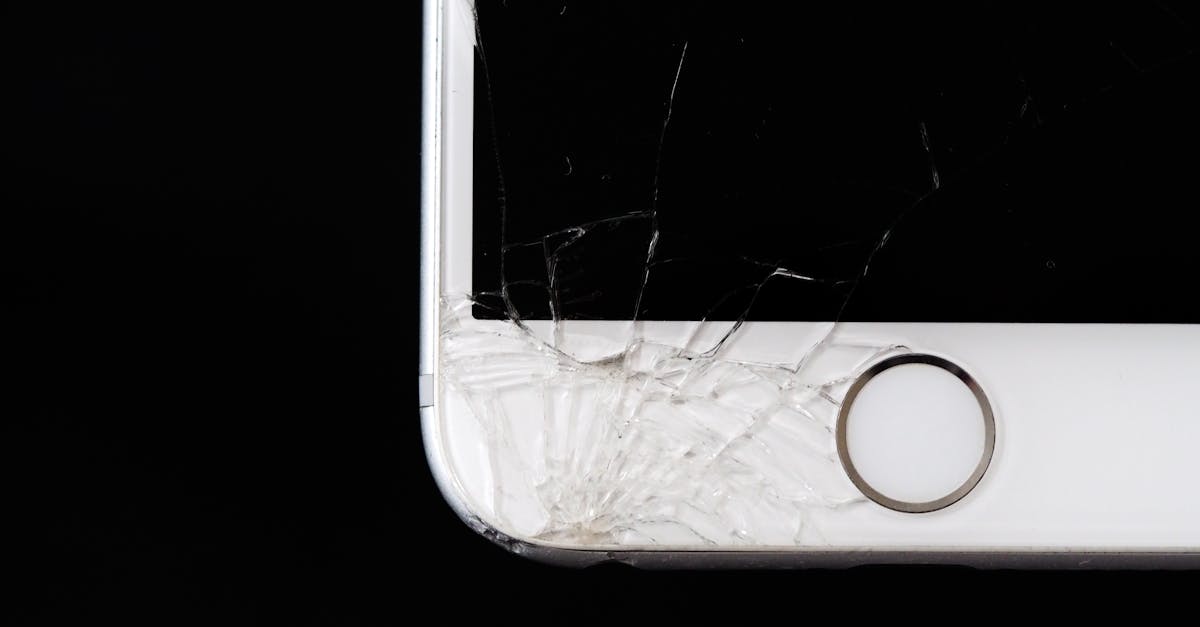
- Look for frame distortion, cracked glass, or a lifted display.
- Check liquid contact indicators and look for residue under shielding.
- Flex the device gently during a stress test to see whether a board-level connection is intermittent.
Document what you find with photos before cleaning or disassembly. This protects you if the customer disputes the diagnosis later.
Quote, Repair, and Verify
Give the customer a clear explanation of the likely cause, the repair options, and the price range before you commit. Then verify the fix properly:
- Run a stress test with the camera, a game, and a charging cycle.
- Confirm the device survives a full reboot loop and a normal restart.
- Test calls, Wi-Fi, and cellular after reassembly.
- Note the final diagnosis on the ticket so future visits are faster.
Turn the Workflow Into a Repeatable Process
Restart complaints are a good candidate for a standard operating procedure: intake questions, backup, software triage, power testing, board inspection, quote, repair, and verification. When every technician follows the same sequence, you stop guessing, reduce comebacks, and can show the customer exactly what was tested.
If you want that sequence built into your tickets, quotes, and customer updates instead of living in a notebook, RagoxCell keeps the whole repair workflow in one place so nothing gets skipped.
Photo: Tima Miroshnichenko / Pexels
Get repair-shop growth tips in your inbox
Practical guides on pricing, workflow and getting paid. No spam — unsubscribe anytime.