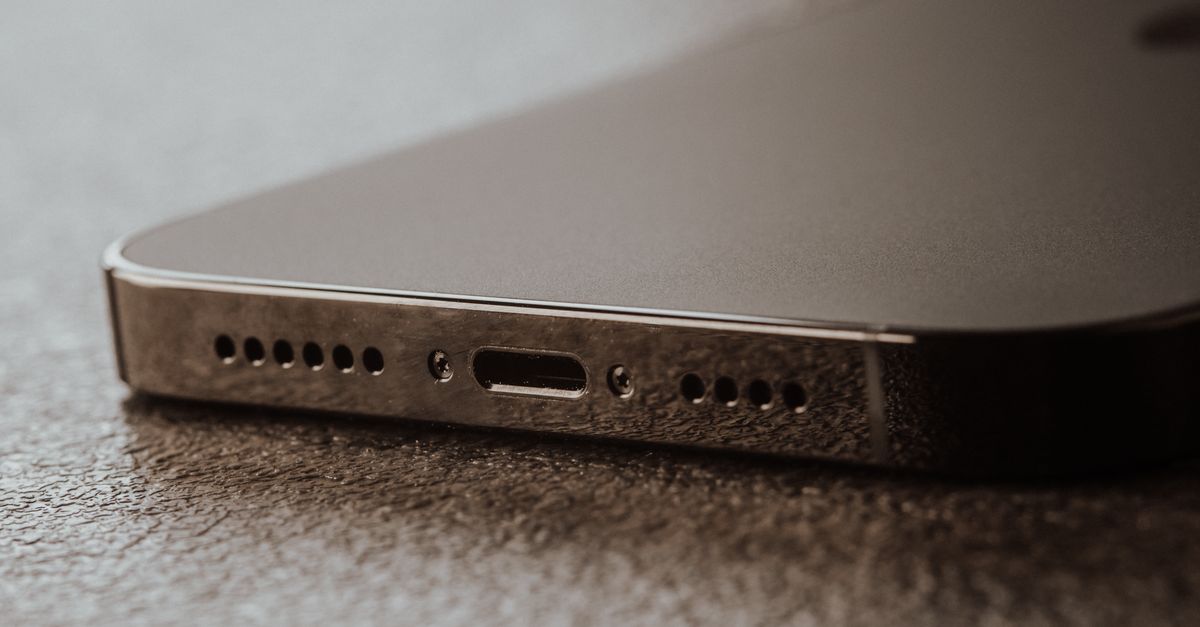
How to Handle Phone Water Damage: A Step-by-Step Guide for Repair Shops
8/9/2026· 4 min read
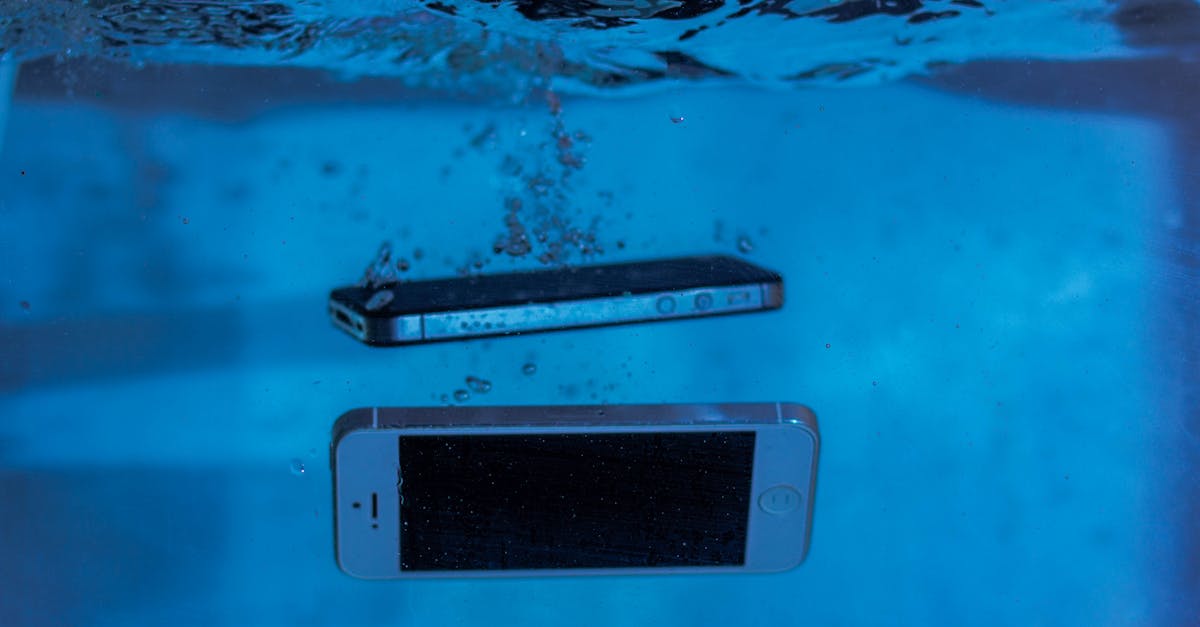
Water damage is one of the most common and anxiety-inducing issues customers bring to repair shops. A quick, correct response can mean the difference between a simple fix and a total loss. This guide walks you through the entire process—from intake to final testing—so you can handle water-damaged phones confidently and profitably.
Process overview
Initial Customer Intake
When a customer arrives with a water-damaged phone, your first steps set the tone for the entire repair. Stay calm and reassuring, but act quickly.
- Ask what happened: How long was it submerged? In what liquid (fresh water, salt water, soda)? Was it powered on when it got wet?
- Advise the customer to power it off immediately if they haven't already. Do not attempt to turn it on to check if it works.
- Do not charge the device. Charging a wet phone can cause short circuits and further damage.
- Gently dry the exterior with a lint-free cloth. Do not shake or blow air into the ports.
- Document the device's condition with photos and notes in your repair ticket. This protects you and the customer.
Initial Assessment and Disassembly
Once you have the device in your shop, begin a careful inspection. Work in a clean, well-lit area and use proper anti-static precautions.
- Remove the SIM tray and any removable parts (back cover, battery if possible).
- Inspect the Liquid Contact Indicators (LCIs)—they change color when exposed to moisture. This helps confirm water damage and can affect warranty claims.
- Open the device using the appropriate tools. Take photos at each step to aid reassembly.
- Visually inspect the motherboard for corrosion, white residue, or greenish-blue deposits on connectors and chips.
- Check the battery for swelling or damage. If swollen, stop and handle it as a hazardous material.
Cleaning and Drying Techniques
Proper cleaning is critical to prevent corrosion. Here's a step-by-step approach used by many professional repair shops.
- Separate all components that can be safely removed (motherboard, shields, connectors, cameras, speakers).
- Use a soft brush (like an anti-static brush) to gently dislodge debris and corrosion.
- Apply isopropyl alcohol (90% or higher) to the affected areas. It displaces water and evaporates quickly without leaving residue. Use a brush or ultrasonic cleaner for deeper cleaning.
- For heavy corrosion, an ultrasonic cleaner with a suitable solution can be effective. Follow the manufacturer's instructions.
- Dry the components thoroughly. Options include:
- Air dry in a warm, dry environment for 24–48 hours.
- Using a drying cabinet or desiccant chamber (like silica gel) to speed up the process.
- Avoid using a heat gun or oven—excessive heat can damage components.
Testing and Quality Assurance
After cleaning and drying, it's time to reassemble and test. Do not rush this step.
- Reassemble the device carefully, ensuring all connectors are secure.
- Connect the battery and try to power on. If it doesn't turn on, recheck connections and look for any missed corrosion.
- Run a full diagnostic—check screen, touch, cameras, speakers, microphones, Wi-Fi, Bluetooth, and charging. Our repair shop operating system includes 150+ tests to ensure every function works.
- Test for intermittent issues—water damage can cause problems that appear later. Consider a burn-in test for a few hours.
Setting Expectations with Customers
Water damage repairs are not always successful. Be honest about the risks and set clear expectations from the start.
- Explain that water damage is unpredictable—even if the phone works now, corrosion can cause future failures.
- Offer a diagnostic fee that is credited toward the repair if they proceed. This covers your time and protects you if they decline.
- Provide a warranty on your workmanship, but be clear that water damage repairs may have a shorter warranty period.
- Discuss data recovery options if the device doesn't power on. Sometimes the storage chip can be removed and read separately.
Preventing Future Water Damage (for Customers)
While you have the customer's attention, offer tips to prevent future incidents. This builds trust and can lead to repeat business.
- Recommend waterproof cases for customers with active lifestyles.
- Suggest avoiding using phones near water—even in the bathroom.
- Remind them to back up their data regularly, so a water incident isn't a data disaster.
Conclusion
Handling water-damaged phones requires a mix of technical skill, careful process, and honest communication. By following this guide, you'll give your customers the best chance of recovery while protecting your shop from liability. Remember, every water damage case is unique—use your judgment and never promise a fix you can't guarantee.
Photo: Sergey Meshkov / Pexels
Get repair-shop growth tips in your inbox
Practical guides on pricing, workflow and getting paid. No spam — unsubscribe anytime.