How to Handle a Laptop That Won't Turn On: Step-by-Step Diagnosis for Repair Shops
9/13/2026· 3 min read
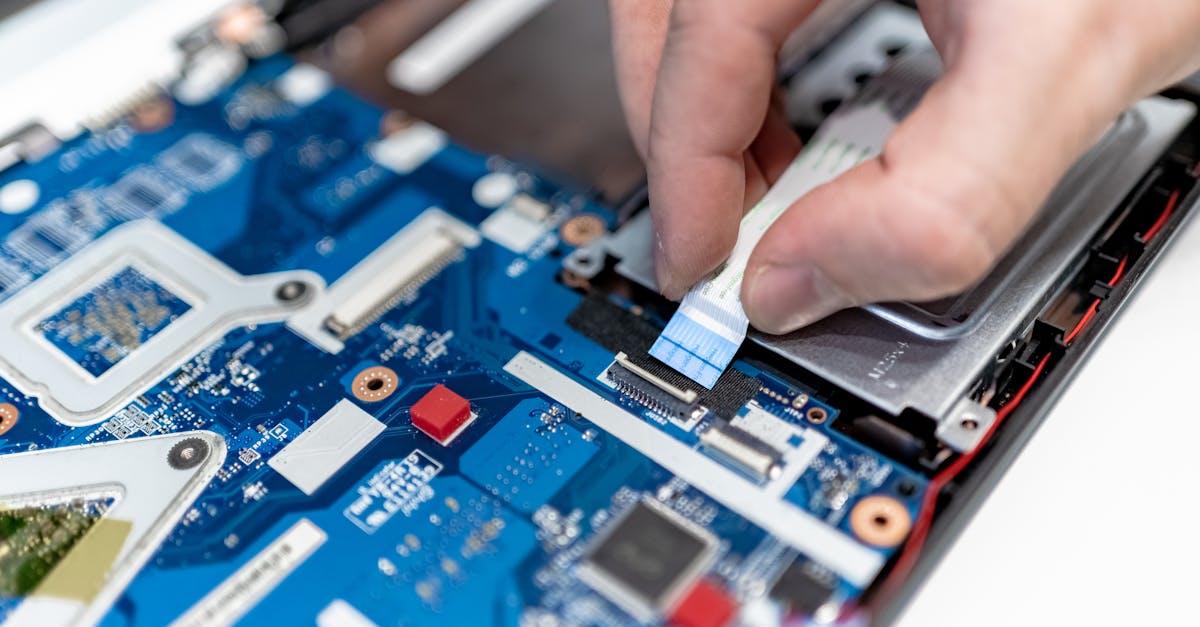
Laptop no-power tickets are one of the highest-margin jobs a repair shop can take, yet many shops either turn them away or lose money guessing at the fault. This guide walks through a repeatable intake-to-quote process you can hand to any technician.
Process overview
Start With a Structured Intake
Before a screwdriver touches the machine, capture the details that shape the whole repair:
- Exact symptom: nothing at all, fan spins but no display, or lights but no boot.
- Recent history: liquid spill, drop, power surge, recent RAM or SSD upgrade.
- Charger and battery status: does the original charger light up? Is the barrel or USB-C port loose?
- Customer data priority: does the customer need the drive preserved even if the board is dead?
Log all of this on the ticket. It protects you in disputes and speeds up the next step.
Isolate Power Before Opening Anything
Most no-power laptops are a power-delivery problem, not a dead motherboard. Work in this order:
- Test with a known-good charger of the correct wattage and connector.
- Check the DC jack or USB-C port for play, corrosion, or bent pins.
- Try a hard reset: unplug, hold the power button for 15-30 seconds, then reconnect.
- If the battery is removable or accessible, test with the battery disconnected and charger only.
- Measure voltage at the DC input and at the battery connector with a multimeter.
If the machine powers on with the battery removed, you have a battery or charging-circuit fault, not a board-level failure. That is a fast, profitable repair.
Move to Board-Level Checks Only When Justified
Once external power is ruled out, the fault is usually one of a few things: a shorted power rail, a failed charging IC, a blown fuse near the DC input, or a corrupted BIOS/EC. These checks need a schematic, a bench supply, and thermal or current-draw observation. Only take this on if your shop has the tooling and the technician has done it before, otherwise sublet it and keep a margin rather than burning hours.
Quote Clearly and Set Expectations
No-power repairs are unpredictable, so quote in stages:
- Diagnostic fee: a fixed bench fee that covers the first hour of testing.
- Tier 1: charger, jack, battery, or cable repair at a flat price.
- Tier 2: board-level repair quoted after diagnosis, with a clear no-fix-no-fee policy if you choose to offer one.
- Data recovery: priced separately, especially if the drive has to be pulled and imaged.
Get written approval before moving between tiers. Customers accept staged pricing far better than a surprise invoice.
Document and Test Before Pickup
When the repair is done, verify more than power-on: boot to the OS, confirm charging behavior, check all ports, run a short stress test, and confirm the customer's data is intact. Note the parts used and the warranty terms on the ticket, then have the customer sign at pickup.
Turn No-Power Jobs Into Repeat Business
Laptop no-power work builds trust because it is the repair customers fear most. Follow up a few days after pickup to confirm the machine is stable, and keep the diagnostic notes on file. If the same customer returns with a different device, your documented history makes the next ticket faster and more accurate.
Photo: IT services EU / Pexels
Get repair-shop growth tips in your inbox
Practical guides on pricing, workflow and getting paid. No spam — unsubscribe anytime.